
Carton packing calculator
If you want to check how many units fit in a carton and which box size to order for a specific order, you are in the right place. Pallet3D works one level below the pallet - inside the carton - and the item need not be a cuboid, because you draw its shape on a grid.
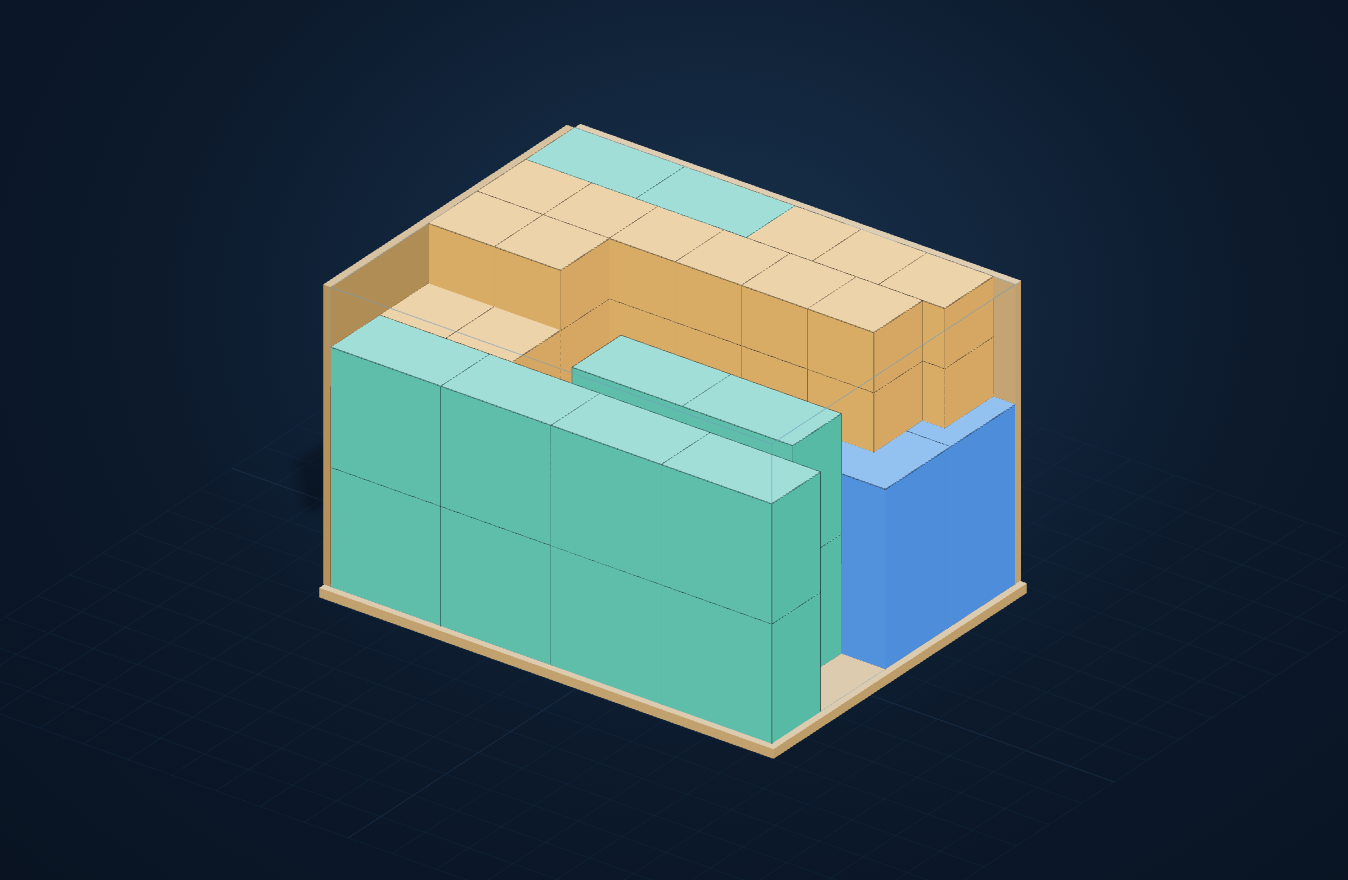
Interactive loading examples
Choose an example, explore its calculated 3D layout and open the same inputs in the calculator.
Drag to rotate the view
Rectangular blocks · 40 × 30 × 25 cm
Example inputs
- Carton
- 40 × 30 × 25 cm
- Item
- 8 × 8 × 15 cm
- Placed
- 30
- Volume utilization
- 96%
What can you set in the panel?
Inputs and constraints
In the Carton tab, define item dimensions, weight and shape. Draw your own profile on the grid. Set allowed rotations, padding, item wrapping and gross weight limit.
How to read the result
Choose capacity to check an existing box, or box size to fit an order. The result shows item count, space use, weight and 3D layout. Custom items and saving require full access.
Additional settings and tools
Set minimum support, shape interlocking and heavier items at the bottom. Padding and wrapping reduce available space. Empty carton weight affects gross weight. Copy the packing list after calculation.
Try the free demo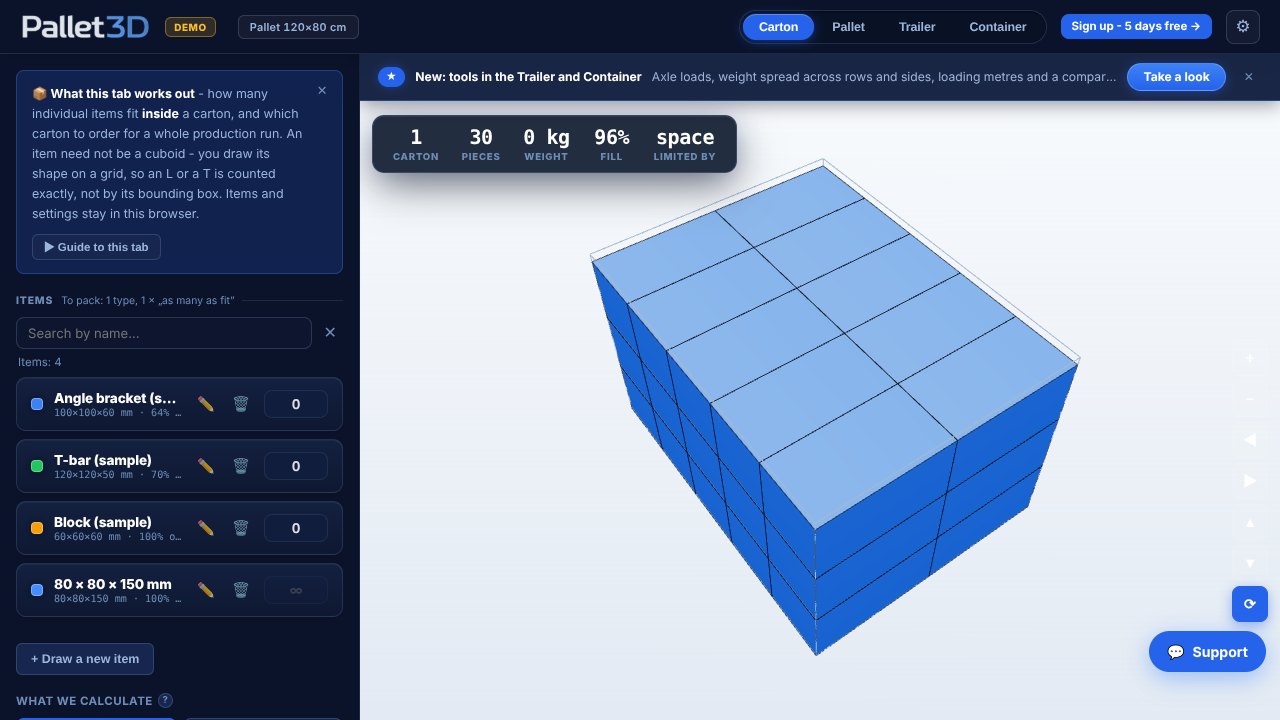
Compare two layouts
Same dimensions and same load. Move the slider to see how the arrangement changes.
Move the comparison boundary
BeforeHorizontal rotations
- Placed
- 15
- Volume utilization
- 48%
AfterRotations in all axes
- Placed
- 30
- Volume utilization
- 96%
More about the calculator
Check what goes in the carton before you order packaging
A box size is ordered once, but you pay for it on every parcel of the run. A carton packing calculator lets you check the layout earlier - before the die-cut goes to the printer and before the warehouse gets a packing instruction. Instead of guessing "it should fit", you enter the dimensions and see a concrete number of units and a fill percentage.
It is a tool for people who prepare shipments, price packaging or watch the cost of cardboard: packers, production planners, purchasing and e-commerce. It works online, with no installation, so it fits daily work in Poland and on international markets.
How the carton packing calculator works
You start with the item. You give its dimensions and draw its shape on a grid, then enter the carton dimensions and the number of units to pack. The calculator arranges the items inside, checks all 24 rotations and shows the result in an interactive 3D view along with a packing list - carton by carton, with contents, weight and fill.
The tool has two modes. "How many fit" answers the question about a specific carton you already have. "Which carton" works the other way round: you give the full number of units and the number of boxes, and the tool looks for the smallest size that holds the lot.
The item need not be a cuboid
The most common reason plain "length times width times height" fails is shape. A profile, an angle bracket, an L- or T-shaped item takes up clearly less room than its bounding box - but only if it can be interlocked with its neighbour. In Pallet3D you draw the shape on a grid, so what counts is the solid, not the cuboid drawn around it.
The calculator can interlock these shapes - and it says outright how much that gained. For a T-shape, interlocking fits tens of percent more units than plain stacking in rows; for a solid cuboid it gains nothing, and the result says that too instead of leaving you guessing.
- The shape drawn on a grid, with a 3D preview of the solid.
- All 24 rotations of the item, with a "horizontal rotations only" option for things that must not be laid on their side.
- A required base support, so the layout can be reproduced physically and not just on screen.
- Padding between items and the carton wall thickness.
Choosing the carton size for an order
The second mode turns the question around. You say how many units have to ship and in how many cartons it should fit, and the calculator looks for the smallest box that meets the condition. The order is split evenly at the same time, so you do not end up with one full carton and one half empty - they all travel equally loaded.
You pick the carton shape yourself: 1:1:1, 1:1:2, 1:1:3 or 1:1:4. This is not a limit imposed for its own sake - a box comes from a die-cut, off a shelf or from what is already in the warehouse, not from a minimum volume. The proportion can, however, change the fill by more than ten points, so a comparison shows all four side by side: size, volume, carton count and fill. The choice stays yours.
From the item through the carton to the pallet
Packing a carton is the first level, but rarely the last. The carton you have just worked out moves on with a single click: it lands on the packaging list together with its gross weight and goes straight onto the pallet, so there is no need to retype three numbers between tools.
What the result gives you
The result is meant to be an instruction, not just a number. Besides the unit count and the fill you get a packing list carton by carton, the gross weight of each box and a note on what limits the result - space or weight. The 3D preview shows the arrangement layer by layer, so the plan can be handed to the warehouse without explaining it.
All the figures are computed so that they can be reproduced physically: the carton is rounded down and the item up, so the program never reports more units than will actually fit.
Frequently asked questions
How many items fit in a carton?
It depends on the item's shape and dimensions, the carton dimensions, the padding and whether the item may be laid on its side. Enter your carton dimensions, draw the item's shape and give the number of units - the calculator arranges them inside and shows the result in 3D along with a packing list.
Does the item have to be a cuboid?
No. You draw the shape on a grid, so an L, a T, a cross or a profile is counted exactly, not by its bounding box. The calculator checks all 24 rotations and can interlock concave shapes with each other, which fits noticeably more units than plain stacking in rows.
How do I choose a carton size for a specific order?
You give the full number of units and how many cartons it should fit into, and the calculator looks for the smallest size that meets that condition. You pick the carton shape yourself - 1:1:1, 1:1:2, 1:1:3 or 1:1:4 - because a box comes from a die-cut or off a shelf, not from a minimum volume. A comparison shows all four shapes side by side together with their fill.
Does the calculator account for padding and weight?
Yes. You can give the carton wall thickness, the padding between items, the weight of a single unit and the tare of the empty box. The calculator watches the carton weight limit and reports the gross weight - exactly the figure the pallet calculator needs to work out the load.
Does the demo require signing up?
No. The demo runs in your browser with no installation and no account - you enter the carton dimensions and pack ready-made sample items into them. Drawing your own items and your own carton list come with the full version.