P3 Pallet3D editorial team8 min readPublished: 14 October 2026
Load Formation on a Pallet - principles of stable stacking
Find out how to form a load on a pallet: choose the carrier, stack the layers, distribute the weight, and assess the stability of the unit before securing and transport.
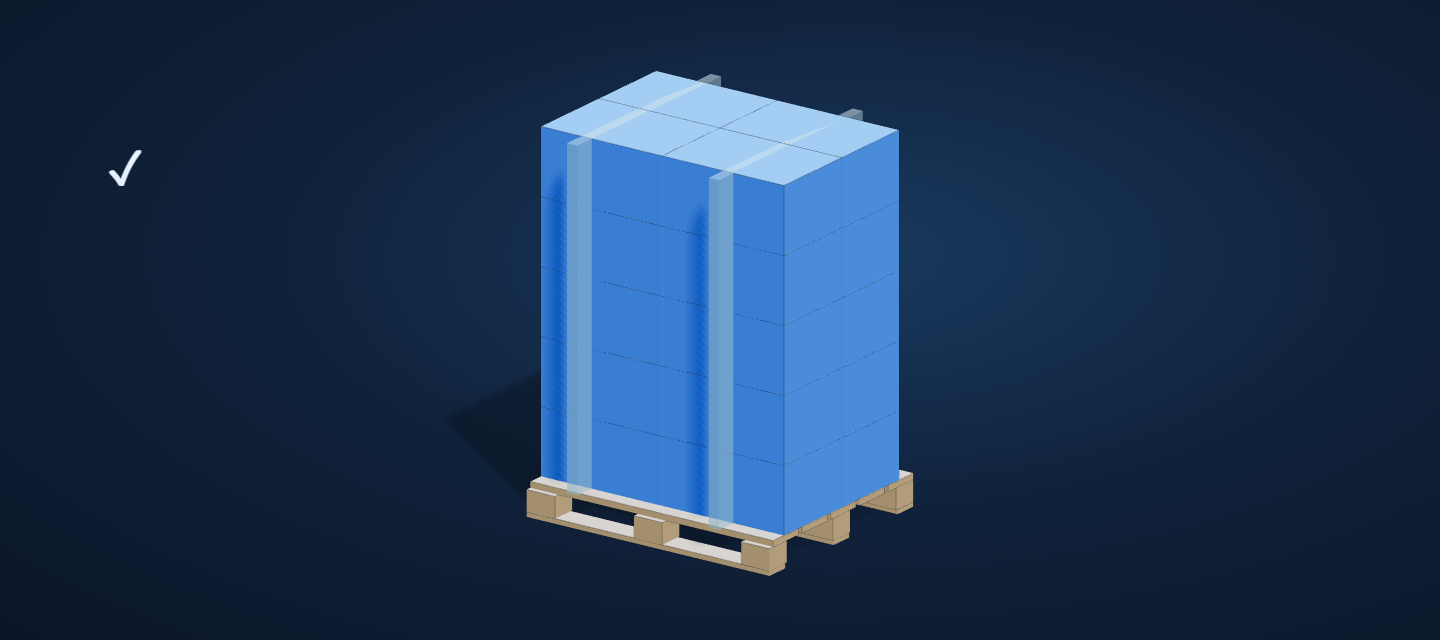
Load formation on a pallet starts with the dimensions and weight of the goods, the properties of the packaging, and the choice of carrier. Next, you need to check layer support, weight distribution, and the stability of the entire unit before securing it. The number of cartons in a layer alone is not enough to assess the layout.
In this article
How to gather the data needed to design a pallet unit.
Why layer support and the position of the center of gravity are more important than the number of cartons alone.
How to choose the pallet format to suit the packaging layout.
How to spot mistakes before wrapping and handing the pallet over for transport.
Where to start when designing a pallet unit
Before you start stacking, you need to describe each type of load: dimensions, weight, number of pieces, permitted orientation, and the packaging's resistance to top pressure. For cartons, the design of the base, the rigidity of the walls, and whether the manufacturer specifies a transport position are also important. For rolls, you must additionally define the position in which they may be stacked and secured.
These data determine whether the carton can be turned, how many layers it can form, and which elements should be placed at the bottom. Simply changing the orientation of cartons may improve fit on the base, but at the same time reduce the support surface or place the packaging in a position unsuitable for its construction. That is why the stacking variant is assessed not only in terms of occupied area, but also packaging strength and the behavior of the entire unit during handling.
The design should from the outset refer to a specific pallet, not to the general term “pallet.” You should check its dimensions, technical condition, support surface, and requirements for further storage and transport. The UNECE CTU Code recommends planning the packing before starting work, assessing the suitability of the transport unit, weight distribution, and packaging compatibility.
Principles of stable layer stacking
The bottom layer is formed by the elements that best carry the load and provide a stable base for the following layers. The weight is distributed as evenly as possible over the pallet surface, without concentrating heavy packages near one side or corner. The center of gravity of the entire unit should remain as low as possible and above the pallet support area.
Each layer requires real, continuous support. Cartons placed over a gap, on the edge of other packages, or on an unstable surface may deform or shift, even when the whole load fits within the pallet outline. Free spaces within the layer should be limited by changing the layout or properly stabilized. They should not create places into which a carton can move under load or during motion.
A column stack, in which cartons are placed one above another, may be appropriate when the packages have sufficient vertical strength and transfer pressure well. A layout with staggered joints between layers may increase the compactness of the unit, but it is not automatically better. The choice depends on the contact surface, the rigidity of the cartons, the way the packages are closed, and the manufacturer's requirements. Interlacing layers should not lead to cartons being placed on edges or to point loads on weaker areas.
When designing, it is worth comparing the available orientations of each package and rejecting those that cause unstable support, weight shift, or undesirable protrusion. The number of cartons in a layer is the result of this assessment, not the only selection criterion.
Choosing the pallet and the way the load is arranged
The base format affects the number of elements in a row, possible placement directions, and the amount of free space. The EUR / EPAL 1 pallet has dimensions of 1200 x 800 x 144 mm, weighs about 25 kg, and its safe working load is 1500 kg according to the EPAL 1 specification. These parameters apply to this standard, not to every pallet with a similar appearance or use.
Type of pallet
Base dimensions
Significance for planning
EUR / EPAL 1
1200 x 800 mm - EPAL 1 specification
A reference point for layouts designed on a standard Euro pallet.
EUR 2
1200 x 1000 mm - EPAL 2 specification
A larger base area may allow a different arrangement of rows and package orientations.
EPAL 3
1000 × 1200 mm - official EPAL product card
1000 × 1200 mm format; check the carrier designation and specification independently of the dimensions alone.
EUR 6 / EPAL 7
800 x 600 mm
A half-pallet format that requires separate verification of the layer layout.
The term “industrial pallet” describes a category of use, not a single mandatory standard. Likewise, the 1200 x 1000 mm format alone does not mean that the carrier is a pallet certified as EPAL 2 or that it has the parameters of such a pallet. Before using a specific carrier, you must confirm its construction and permitted conditions of use.
The maximum weight a pallet can carry is not the same as the stability of the unit. A load whose weight falls within the carrier's limits can still be stacked incorrectly if the weight is uneven, the center of gravity is too high, or the layers do not have proper support.
Work sequence when forming a load
Determine the pallet type and its dimensions, condition, and purpose. Do not assume the carrier's parameters solely on the basis of its format.
Collect data about the packaging: dimensions, weight, permitted orientation, sensitivity to pressure, and any manufacturer requirements.
Prepare variants of the first layer. Check whether the elements rest on the pallet surface and whether the weight is not concentrated at one edge.
Compare variants of subsequent layers. Assess the continuity of support, the position of joints, free spaces, and the possibility of using interlayers or other stabilizing elements.
Check the outline, center of gravity, and behavior of the load during lifting, storage, and transport. If necessary, change the layout instead of compensating for its weaknesses with wrapping alone.
Choose the securing method according to the type of packaging and the handling method. The UNECE CTU Code points to the need to fill or stabilize free spaces and to check whether the load will remain in place under the anticipated transport conditions.
This sequence makes it possible to separate two stages: first designing the stable geometry of the unit, then securing it. Film, straps, corners, or interlayers can limit the movement of elements, but they will not fix a layout in which the packages are improperly supported or overloaded.
The most common mistakes and design limitations
Choosing a layout solely according to the number of cartons. A layout that fits more items may have poorer layer support or a less favorable weight distribution.
Placing heavier packages on cartons prone to crushing. The required layer order should be determined taking package strength into account.
Leaving empty spaces within a layer without stabilization. During handling, they may become spaces into which the load moves.
Treating the lack of protrusion beyond the outline as the only test of correctness. The absence of protrusion does not confirm even loading or a stable center of gravity.
Wrapping the pallet before assessing the geometry. Securing should preserve a correctly built unit, not mask its instability.
Ignoring the conditions of further handling. A layout that is correct at the packing station still has to be assessed for lifting, storage, securing in the vehicle, and the anticipated transport conditions.
Not every layout that fits on a pallet is suitable for transport. Layer geometry is only part of the assessment. Weight limits, stability under real operating conditions, and the way the unit is secured in the vehicle require separate confirmation.
Example of layout checking before implementation
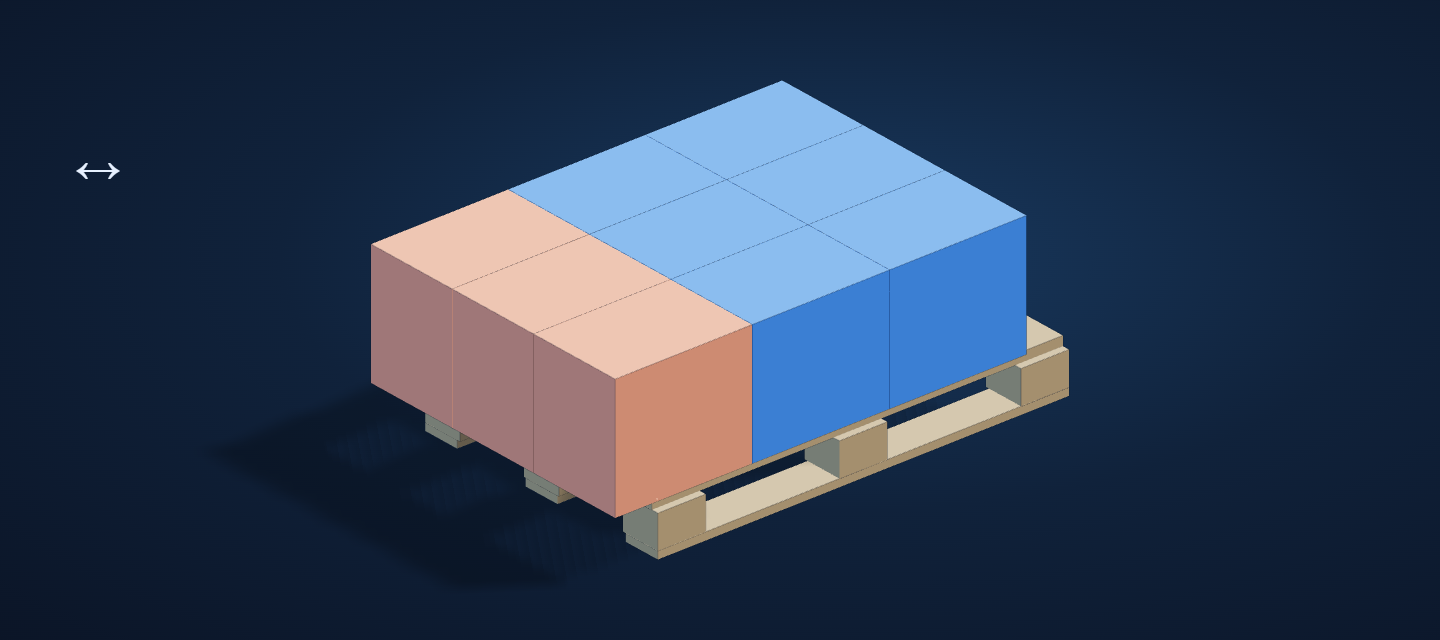
Let us assume that the same carton can be placed on a pallet in two permitted orientations. Variant A makes it possible to arrange a greater number of items in a layer, but leaves a gap in the middle of the layout and causes some cartons in the next layer to rest on joints. Variant B fits fewer items in a single layer, but creates more complete support for the cartons placed above.
In such a situation, variant A should not be chosen just because it gives a larger number of cartons in a row. Comparing both solutions requires at least: the weight of each package, the total weight of the layers, the permissible pressure on the carton, the position of heavier elements, and the method of securing the free space. Then you need to check whether the center of gravity shifts toward one side and whether the upper layers have sufficient support.
The result of such an assessment does not have to be a single universal pattern. For one package, a column layout will be justified; for another, a staggered-joint variant; and sometimes changing the pallet, the number of layers, or using stabilizing elements will be necessary. The decision should be based on the properties of the specific carton and the actual handling process.
Operational verification of the designed layout
Before putting the layout into operation, it is worth checking it against an operational checklist: conformity of package dimensions and weights with the assumptions, support of the bottom and subsequent layers, weight distribution, protrusion beyond the outline, free spaces, and completeness of the securing. After placing the unit in the vehicle, a separate assessment of its fastening is required. The pallet plan does not replace confirmation of vehicle limitations, pressures, or transport requirements.
Pallet3D allows you to enter cartons or rolls together with their dimensions and weight and view the proposed layout in an interactive 3D view. Such a model makes it easier to compare orientation variants and identify places requiring operational assessment, but it does not constitute an automatic confirmation of transport safety.